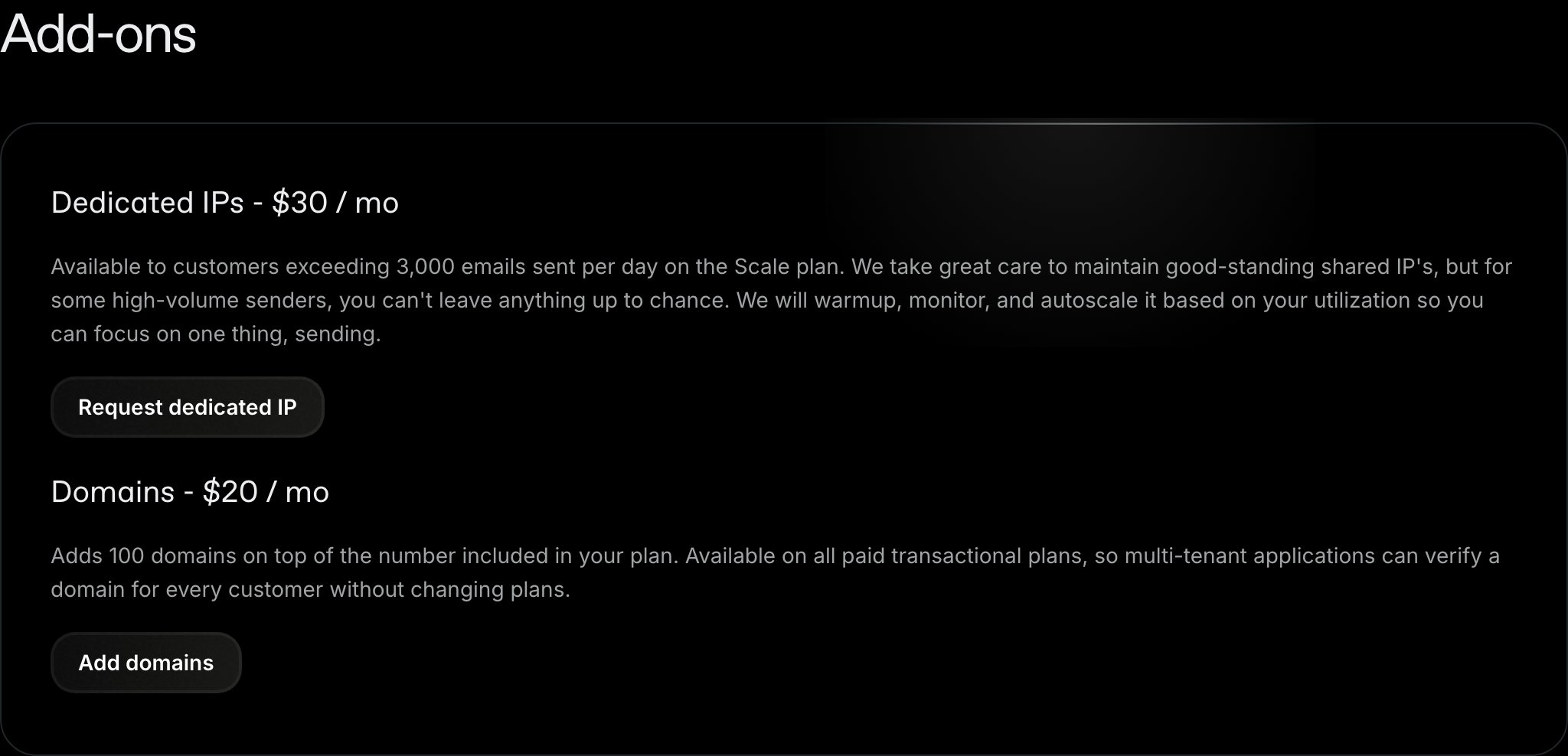
Every Resend plan includes a set number of verified custom domains. If you need more, you can enable the domains add-on in Settings > Usage. The add-on adds 100 domains on top of the number included in your plan for $20 per month. Adding more domains is a common need for multi-tenant products that verify a domain per customer. See Setting up Resend for Multi-Tenant Applications for how to structure that.

Check your current limit

Navigate to Settings > Usage. The Domains section shows how many domains your team is using and how many your plan allows. The number of domains included in each plan is listed on the pricing page. The Add-ons section of the Resend pricing page, showing the domains add-on at $20 per month
Add the domains add-on

  1. Navigate to Settings > Usage
  2. Find Domains under Add-ons
  3. Turn on the Domains toggle
  4. Click Confirm
If your team doesn’t have a payment method on file, you will be taken to checkout to confirm the purchase. The add-on costs $20 per month and applies immediately. Your next invoice includes a prorated charge for the remainder of the current billing cycle. Once enabled, the add-on appears on your Settings > Billing page as its own line item, and the 100 extra domains are reflected in the domain count on Settings > Usage.
The domains add-on is available on paid transactional plans, and only team admins can manage add-ons. On Enterprise plans, the domain limit is set in your contract, so contact support to change it.
The add-on raises the number of domains you can add. It does not change your monthly email quota, your contact limit, or your rate limit. Those are set by your plan. See account quotas and limits.

Remove the domains add-on

You can remove the add-on from the same place: navigate to Settings > Usage and turn off the Domains toggle under Add-ons.

Need more than 100 extra domains

There is no fixed ceiling on custom domains. If 100 extra domains aren’t enough, chat with support or email support@resend.com with your use case and the number of domains you expect to verify.